- Applications
- Tools
Game Booster 4x Faster

| Install | 100 K |
| From 526 Rates | 4.3 |
| Category | Tools |
| Size | 15 MB |
| Last Update | 2026 August 24 |

| Install | 100 K |
| From 526 Rates | 4.3 |
| Category | Tools |
| Size | 15 MB |
| Last Update | 2026 August 24 |
Images







Introduction
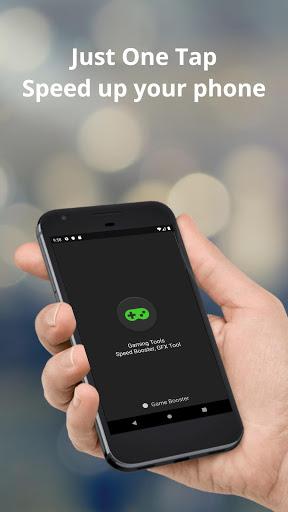
Game Booster is a game launcher and device-monitoring tool for understanding your phone while you play. It does not modify game files, change settings inside a game.
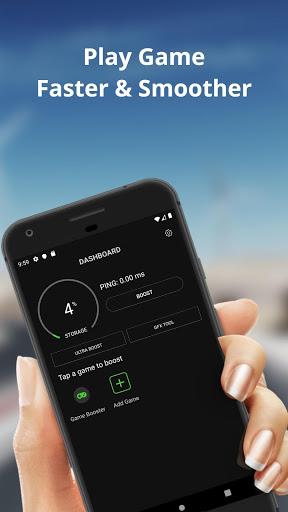
GAME LAUNCHER
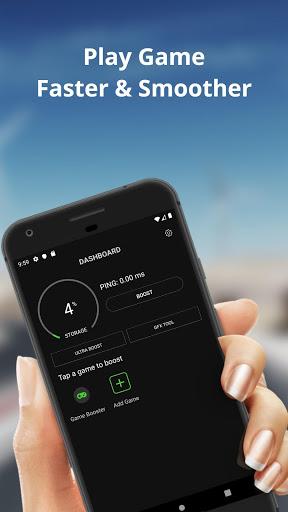
Choose installed games and keep them in one place. Open a selected game from Game Booster when you are ready to play.
FLOATING DEVICE HUD
With your permission, an optional floating panel can appear over another app while you play. It can show a session timer and readings that Android makes available on your device:
- screen refresh rate in Hz
- free memory
- battery temperature
- connection latency measured to a public DNS endpoint
Readings depend on the device and Android version; unavailable values are not presented as measured results. The HUD requires Android's "Display over other apps" permission and runs with a visible notification that includes a stop action.
SESSION HISTORY
When the HUD is on and you leave Game Booster to play, a session that meets the app's minimum duration can be saved locally. Launching a game from Game Booster can associate the session with that game when the launch is recent enough. Review recorded duration, available readings, and weekly summaries from the data stored on your device.
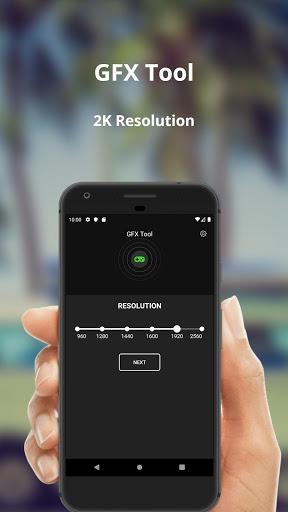
GFX GUIDE
The app reads total memory, available CPU cores, and supported display rate to suggest a conservative starting point for graphics options. These are manual suggestions only: review them and apply any game setting yourself. The app does not test game FPS, edit game files, or apply settings inside a game.


Related Applications








Users Also Installed










Similar Applications