- Applications
- Tools
Dr.Fone: Photo & Data Recovery

| Install | 42 K |
| From 25 Rates | 2.2 |
| Category | Tools |
| Size | 166 MB |
| Last Update | 2026 August 26 |

| Install | 42 K |
| From 25 Rates | 2.2 |
| Category | Tools |
| Size | 166 MB |
| Last Update | 2026 August 26 |
Images

Introduction
Dr.Fone: Photo & Data Recovery is an all-in-one phone toolkit for data transfer, chat transfer, deleted data recovery, system repair, device unlock, privacy space, virtual location, and AI photo enhancement.
Upgrading to the new Samsung Galaxy Z Fold8 Ultra, Z Fold8, or Z Flip8—or switching from iPhone or another Android phone? Dr.Fone helps you transfer data to your new Galaxy, set it up faster, and recover important files when something goes wrong.
📲 Data Transfer
● Move photos, videos, apps, music, contacts, and files from one phone to another with guided steps.
● Switch to a new device or upgrade to the latest model with less hassle.
● Create a phone clone so your new device keeps the key content from your old one.
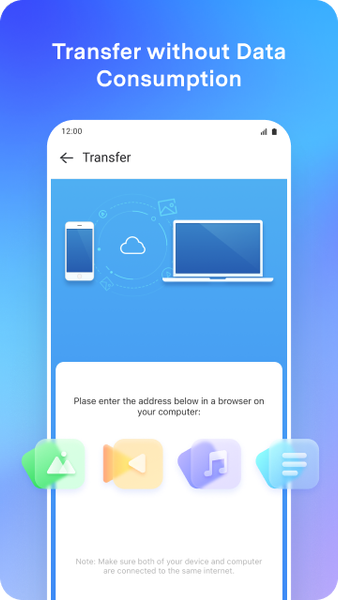
● Enjoy fast wireless file transfer over local Wi-Fi for large files (including videos) between phones and between phone and PC.*
● A smarter alternative to slow Bluetooth transfers.
💬 WhatsApp Transfer
● Move WhatsApp and WhatsApp Business data between phones.
● Transfer chats, photos, videos, voice messages, and other attachments to your new device in a few simple steps.
♻️ Deleted Data Recovery
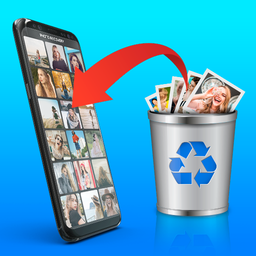
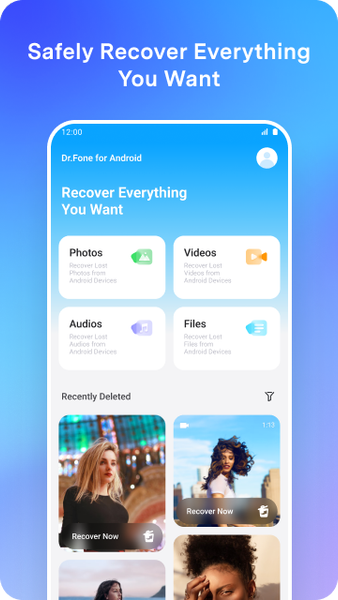
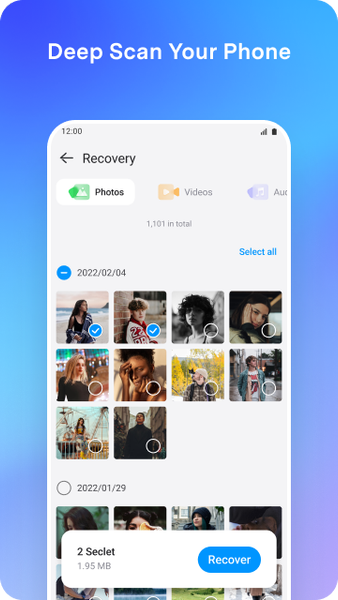
● Recover recently deleted photos, videos, files, contacts, and audio when available on your device.
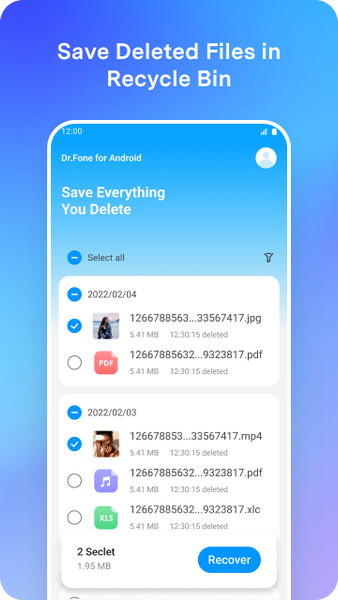
● Restore items from your phone’s recycle bin / recently deleted area.
● Helpful for common “accidental delete” situations—results vary by device and scenario.
👁️ Recover View Once Messages (New)
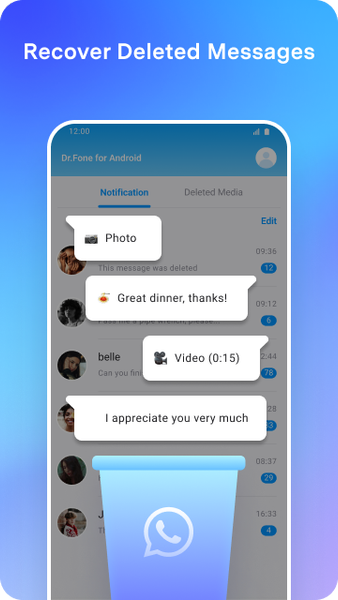
● Recover and save View Once media you received, including photos, videos, and voice messages, when supported.
● Turn View Once content into a saved copy you can keep on your phone after recovery.
● Availability and results may vary depending on device, app version, and scenario.
📷 Photo Recovery & AI Photo Enhancer
● Restore deleted photos and videos stored on your phone when available.
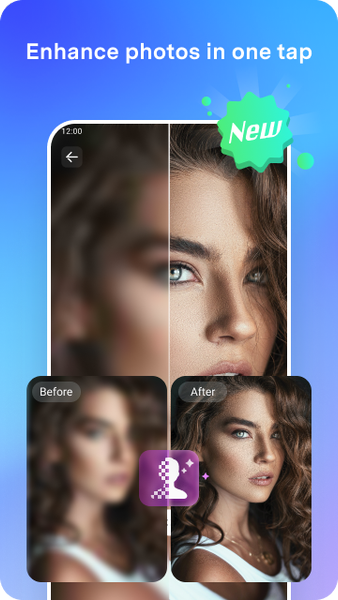
● Enhance image clarity with AI to improve blurry or low-resolution pictures.
● Repair and improve old photos so they look clearer and sharper.
🔓 Device Unlock
● Unlock supported Android devices for device owners (pattern, PIN, password, fingerprint) with guided on-screen steps.
● This feature supports Samsung and LG devices, and many mainstream Android models.
● In a small number of cases, Android security design may require a reset to remove the lock—Dr.Fone will show clear instructions and prompts before you proceed.
● Some advanced unlock scenarios may depend on device model and Android version; please check compatibility before purchase.
🔧 System Repair
● Helps fix common Android issues such as stuck on boot screen, boot loops, black screen, system lag, and crashes.
● Step-by-step guidance—no technical skills required.
📍 Change Location (Virtual Location)
● Set a virtual location for supported apps when you need location privacy, testing, or travel planning.
● Simple controls to update your location and return to your real location anytime.
Note: Please use responsibly and follow the rules of the apps you use.
🔐 Privacy Space
● Hide and encrypt private photos and videos.
● Keep sensitive files in a secure personal space on your phone.
🛡️ Data Security
● We take data protection seriously. Please review the Data safety section on Google Play for details on data collection, sharing, and deletion requests.
Dr.Fone can help you:
Transfer phone data between devices when you switch phones or change platforms.
Move photos, videos, apps, contacts, and files to a new device with guided tools.
Recover View Once media (photos/videos/voice) when supported.
Recover deleted data on Android when available.
Store personal photos and videos in a private, secure space.
Contact: customer_service@wondershare.com
*Wireless transfer speed and large-file performance depend on local Wi-Fi conditions and device capability.


Related Applications






Users Also Installed




Similar Applications