- Applications
- Personalization
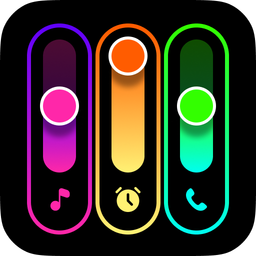
Volume Styles - Custom control
| Install | 40 K |
| From 199 Rates | 4.5 |
| Category | Personalization |
| Size | 8 MB |
| Last Update | 2026 August 26 |
| Install | 40 K |
| From 199 Rates | 4.5 |
| Category | Personalization |
| Size | 8 MB |
| Last Update | 2026 August 26 |
Images


Introduction
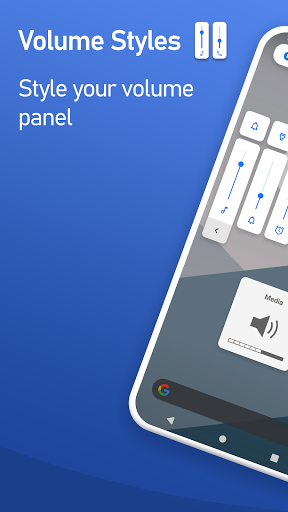
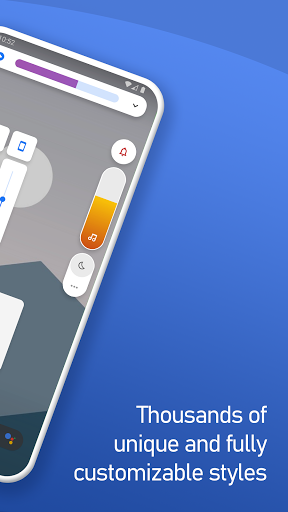
Volume Styles replaces your stock volume panel with a stunning custom design — pick from thousands of themes, apply iOS or HyperOS styles, and take complete control of every slider and shortcut.
The most powerful volume panel customization app on Android.
⭐ Trusted by 25+ million Android users worldwide ⭐
<font color="#2886eb">🎨 VOLUME PANEL THEMES</font>
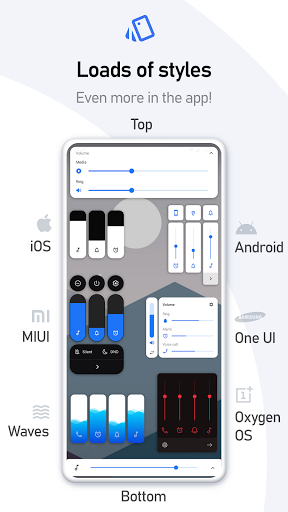
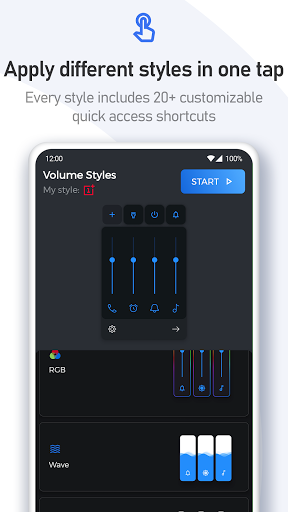
Transform your Android volume panel in one tap. Iconic styles from the world's most popular UIs — or discover thousands of community-made designs:
• iOS
• Xiaomi HyperOS / MIUI
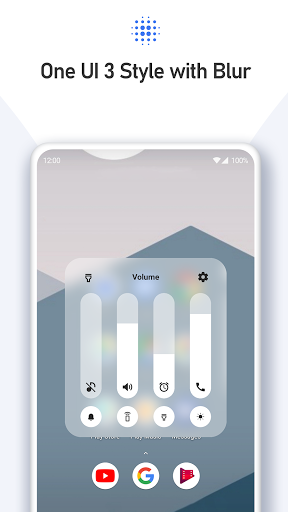
• Samsung One UI
• OnePlus OxygenOS
• Huawei EMUI, Color OS, Realme UI, Vivo Funtouch OS
• Horizontal sliders
• Windows 10, Windows Phone
• Ocean Wave, Fire, RGB, Volume Knob
• ... and thousands more inside the app
<font color="#2886eb">✨ STYLE CREATOR & COMMUNITY FEED</font>
Want something truly unique? Build your own volume panel theme from scratch with the Style Creator. Dial in colors, corner radius, transparency — every last detail.
Share your design in the Style Feed, a live community gallery of user-made volume panel themes. Browse, favorite, and apply any style with a single tap.
<font color="#2886eb">🔊 VOLUME SLIDERS & AUDIO CONTROL</font>
Choose exactly which audio sliders appear in your panel — add or remove any stream:
• Media volume
• Ring volume
• Notification volume
• Alarm volume
• Voice call volume
• System volume
• Bluetooth volume
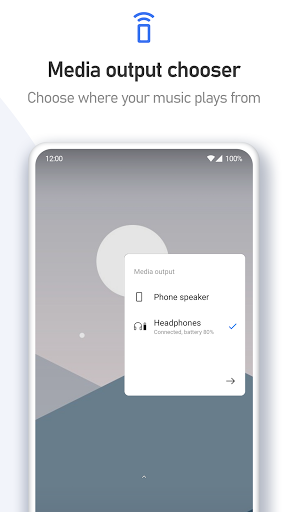
• Cast volume
• Brightness slider
<font color="#2886eb">🖌️ DEEP CUSTOMIZATION</font>
Fine-tune your custom volume panel down to the last pixel:
• Custom colors & gradients
• Auto dark mode
• Adjustable corner radius
• Panel position — left, center, or right
• Panel show duration
• And much more
<font color="#2886eb">⚡ VOLUME PANEL SHORTCUTS</font>
Add powerful quick-action shortcuts directly inside your volume panel — no need to open settings:
• Live Caption
• Flashlight / Torch
• Toggle rotation
• Screenshot
• Split screen
• Do Not Disturb toggle
• Sound mode toggle (silent / vibrate / ring)
• Auto brightness toggle
• Open Settings
• Turn off screen
• Toggle media, notification, alarm, call & system volume
Volume Styles uses Accessibility Services to override volume buttons and display your custom volume panel.


Related Applications






Users Also Installed







Similar Applications