
- Applications
- Personalization
Magic Fluids Watch Face

| Install | <100 |
| From 0 Rates | 0 |
| Category | Personalization |
| Size | 27 MB |
| Last Update | 2026 June 19 |
| Install | <100 |
| From 0 Rates | 0 |
| Category | Personalization |
| Size | 27 MB |
| Last Update | 2026 June 19 |
Images


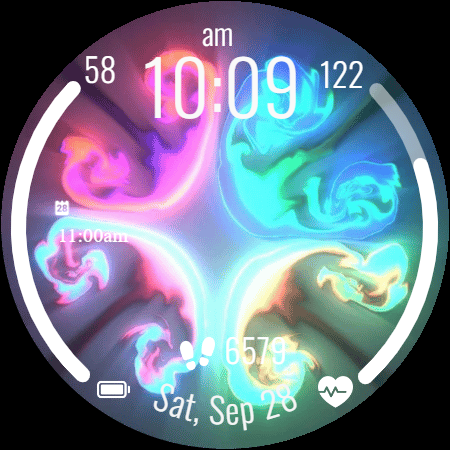
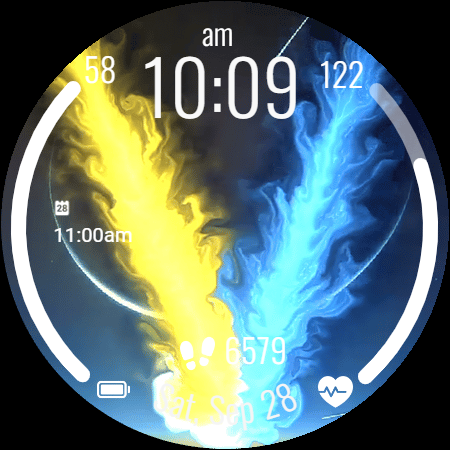
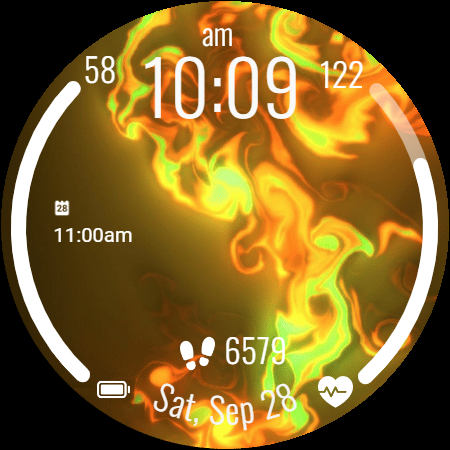
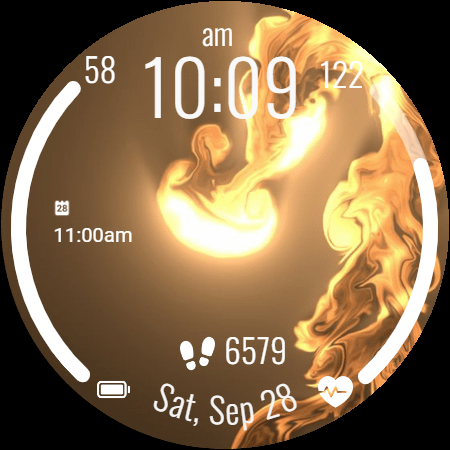
Introduction
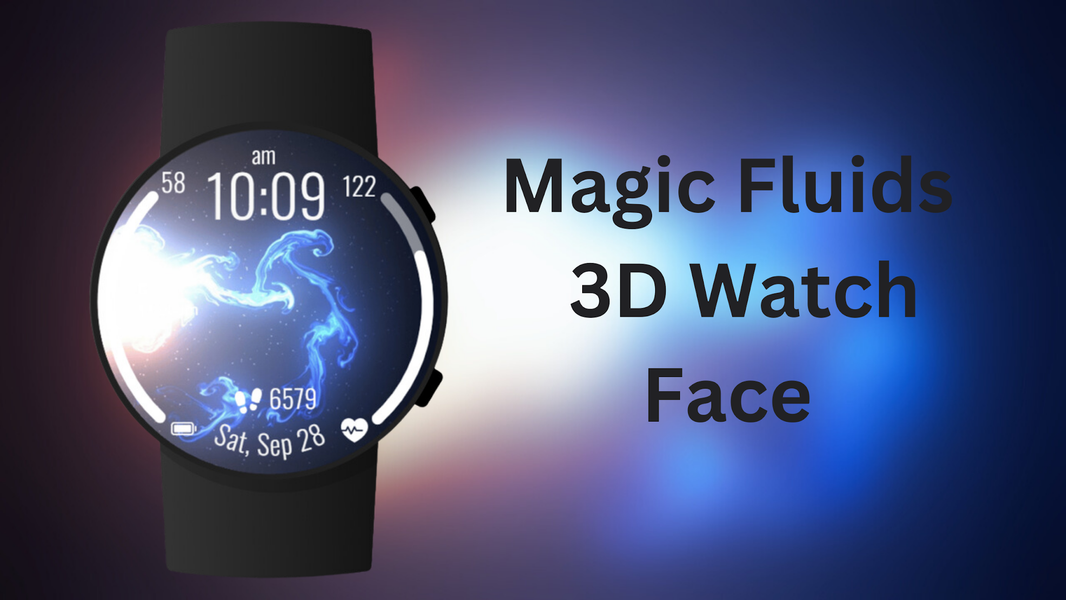
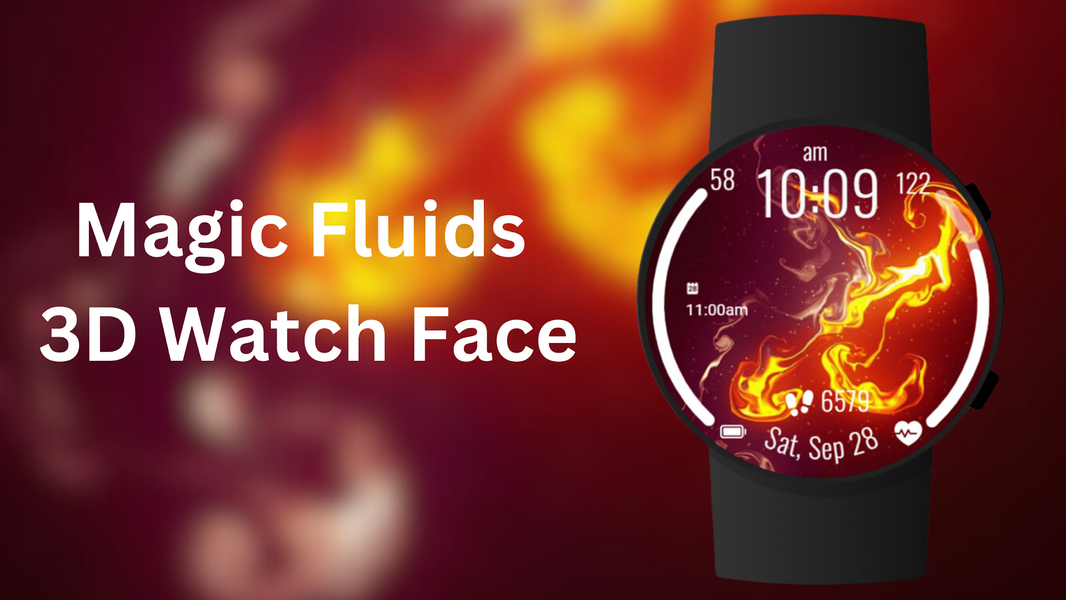
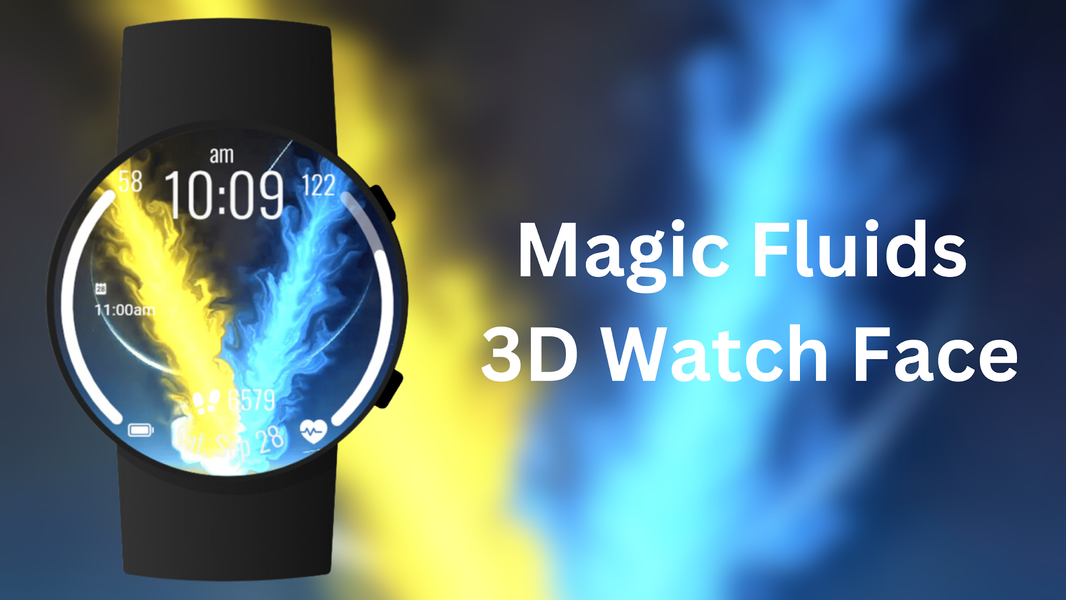
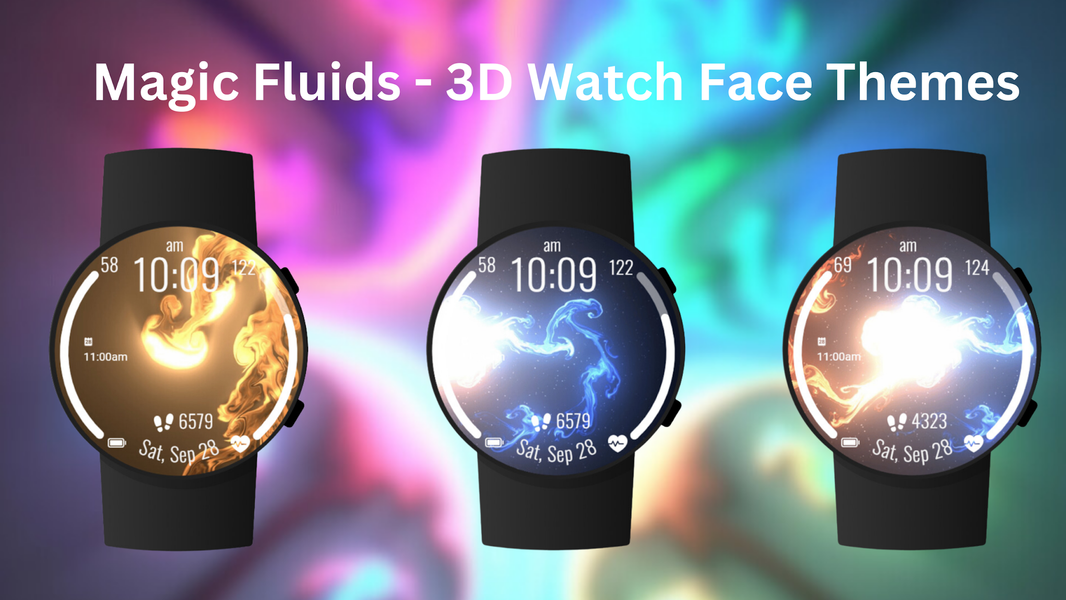
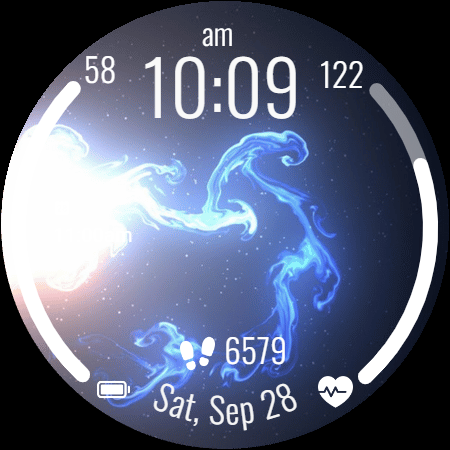
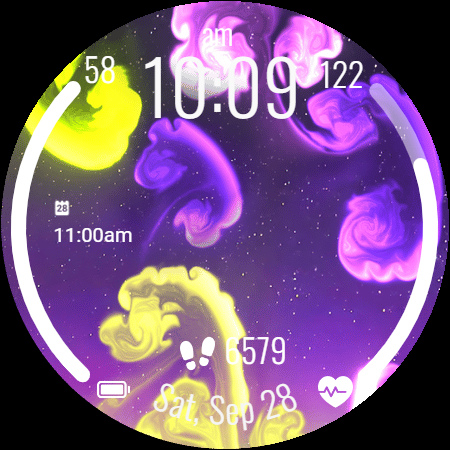
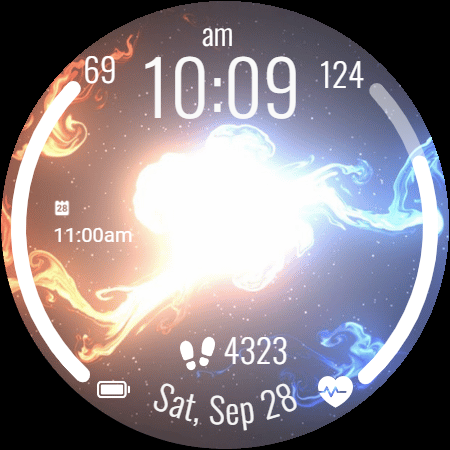
Bring your smartwatch to life with the Magic Fluids Watch Face! Enjoy stunning fluid motion graphics, transforming your watch into a work of art. Choose from a variety of dynamic background themes to suit your mood.
Experience mesmerizing fluid art on your wrist with vibrant watch faces. Customizable, dynamic themes and essential health data at a glance.
Magic Fluid Wallpaper App delivers dynamic, fluid art to your screen. Experience stunning visuals with flowing designs.
⚙️ Watch Face Features
• Background Themes
• Date, month and day of the week
• 12/24 Hour Time
• Heart Rate display
• Battery %
• Steps Counter
• Customizable Complications
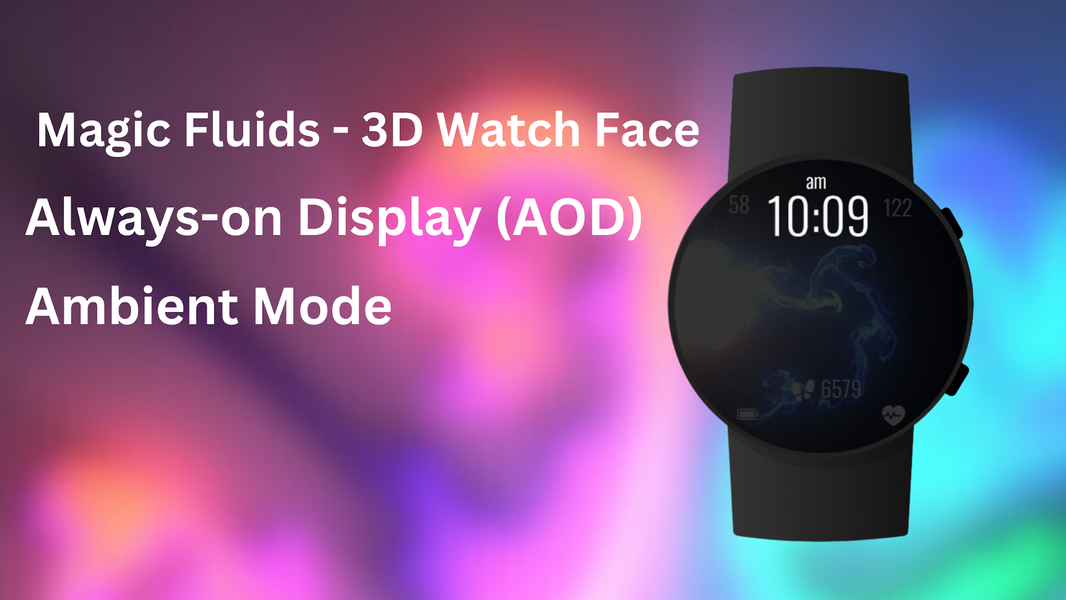
• Ambient Mode
• Always-on Display (AOD)
• Long tap to customize
• 🎨 Magic Fluids Watch Face Customization
• Touch and hold display
• Tap on Customize option
• 🎨 Magic Fluids Watch Face Complications
• Touch and hold display to open customization mode. You can customize the field with any data you want.
• 🔋 Battery
• For better battery performance of the watch, we recommend disabling the "Always On Display" mode.
• 📱 Installation Guide
• After installing the Magic Fluids Watch Face, follow these steps:
1.Open the Companion App on your phone
2.Tap "Install on Watch"
3.On your watch, select the Magic Fluids Watch Face from your settings or watch face gallery
• ✅ Compatibility
• Compatible with all Wear OS devices API 33+ including Google Pixel Watch, Samsung Galaxy Watch, and more.
• Not suitable for rectangular watches.
Note: The Magic Fluid designs are displayed as wallpapers on the watch face screen. The fluid motion is visual only — a vibrant, flowing look without interactive touch functionality.
Thank you!