
- Applications
- Tools
Flip Clock+: Alarm & Desk

| Install | 2.4 K |
| From 5 Rates | 3.8 |
| Category | Tools |
| Size | 29 MB |
| Last Update | 2026 June 21 |

| Install | 2.4 K |
| From 5 Rates | 3.8 |
| Category | Tools |
| Size | 29 MB |
| Last Update | 2026 June 21 |
Images



Introduction
Turn your phone into a beautiful bedside alarm clock or desk clock with optional live weather sky animation. Choose from animated flip clocks or analog clocks, set reliable alarms, add world clocks, and schedule hourly chimes—or have the time announced aloud. Set a bedtime reminder and listen to sleep sounds as you fall asleep.
What you can do
Wake up your way: Powerful alarms with snooze, custom days, vibration, and fade-in volume.
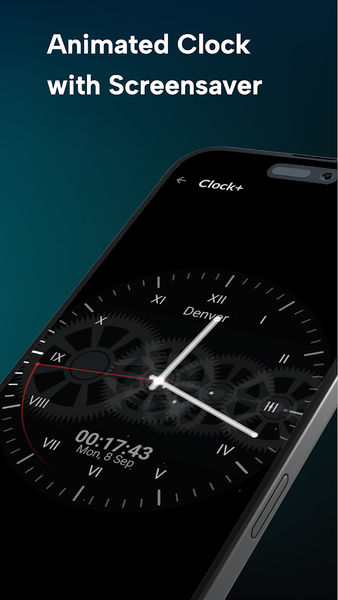
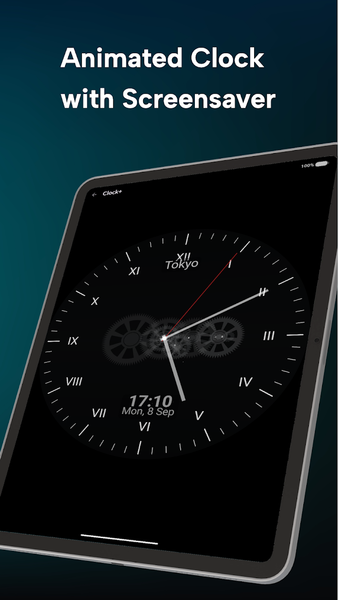
Screensaver/Nightstand mode: Auto-starts when charging or docked so a stunning clock is always on display.
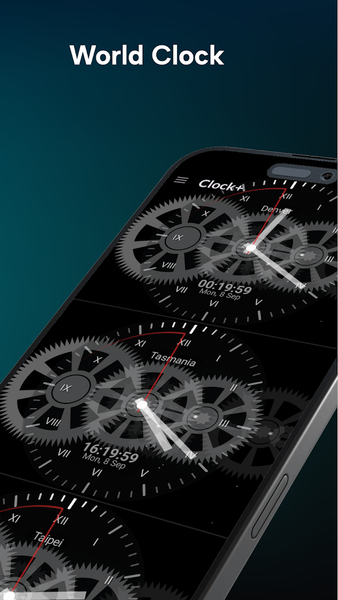
World clocks: Select multiple cities to track time around the globe at a glance. See the live weather and moon animated for each city.
Hourly chimes & announcements: Chime on the hour (or any times you choose). Use text-to-speech to hear the time, or pick classic sounds like cuckoo, bell, rooster, and more.
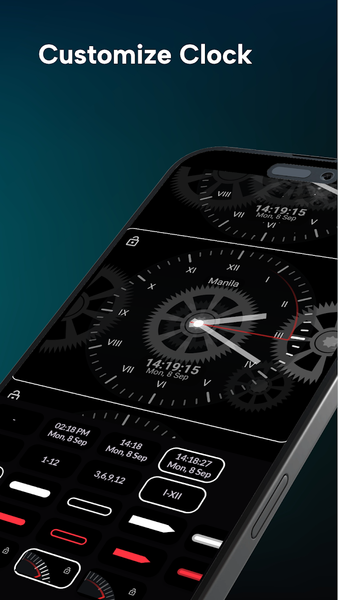
Themes & styles: Animated faces with analog and digital readouts; 12/24-hour support. Choose from flipclock, mechanical clock or classic clock dials.
Designed for clarity
Large, elegant typography and smooth animations make it easy to read across the room—day or night.
Privacy-friendly
Works offline. No sign-up. You’re always in control of notifications and permissions.
Use it as: alarm clock • world clock • night clock • desk clock • hourly chime announcer • sleep schedule reminder • sleep sounds
Tip: Enable screen saver to show the clock automatically when you plug in your phone, and grant notifications permission so alarms and full-screen alerts can appear when you need them.

