- Applications
- Personalization
Electronic Signature Maker
| Install | 3 K |
| From 16 Rates | 4.7 |
| Category | Personalization |
| Size | 71 MB |
| Last Update | 2026 August 26 |

| Install | 3 K |
| From 16 Rates | 4.7 |
| Category | Personalization |
| Size | 71 MB |
| Last Update | 2026 August 26 |
Images

Introduction
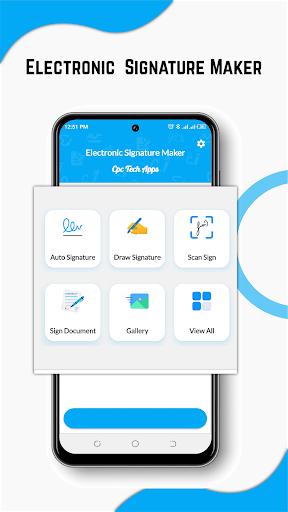
Create electronic signatures, sign PDF documents, fill forms, and share files quickly from your phone. Electronic Signature Maker gives you professional tools to draw, type, scan, save, and add your signature to documents for work, business, school, or personal use.
Never worry about printing paperwork again. Use this app whenever you need a fast, secure way to create an e-signature, add a signature to a PDF, complete an invoice, or save a reusable sign for future files.
Electronic Signature Maker features:
• Create electronic signatures
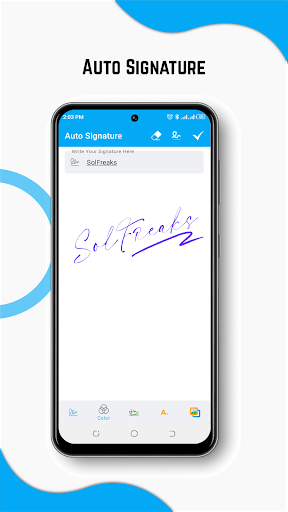
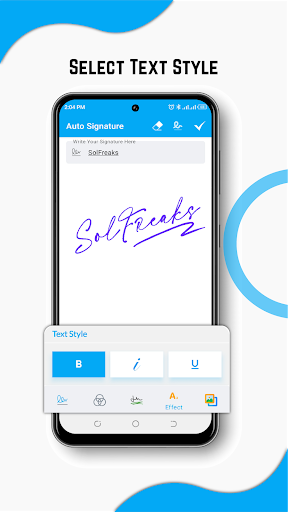
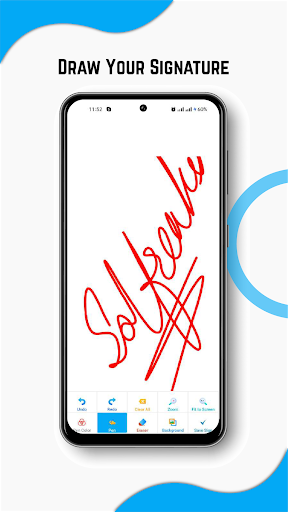
Draw your signature by hand or type your name to generate a clean digital signature that looks professional on official documents.
• Sign PDF documents
Open any PDF file, place your electronic signature exactly where needed, adjust size or color, and save the signed document easily.
• Fill and sign forms
Complete important forms, fill out text fields, add your signature, and prepare documents for instant sharing via email or messaging apps.
• Scan or import a signature
Use a saved image from your gallery or scan your handwritten signature directly from a photo, then crop and place it onto documents.
• Make clean name signatures
Type your name and create beautiful signature designs using a variety of professional fonts, custom layouts, and clean styles.
• Draw a manual signature
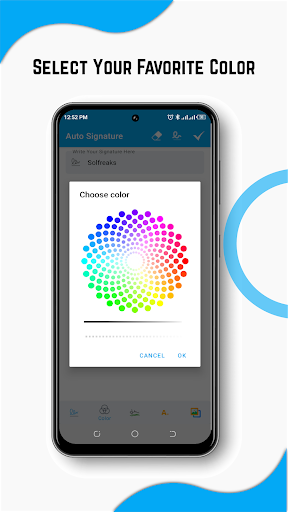
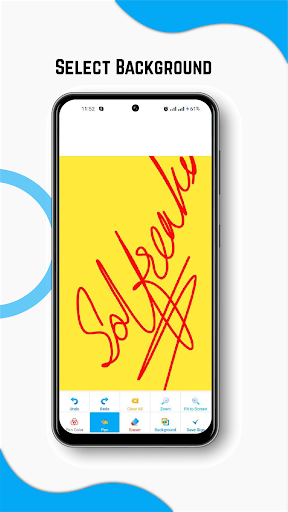
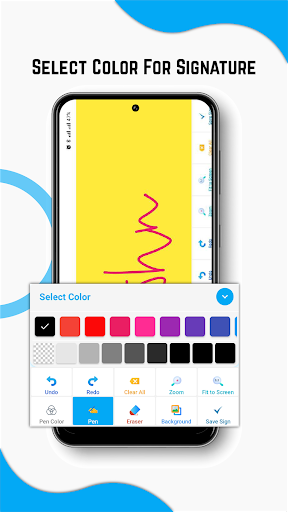
Use a smooth responsive drawing pad to create a natural handwritten sign with full control over pen thickness and custom color options.
• Save reusable signatures
Create your primary signature once and store it safely to use again whenever you need to sign a contract, form, invoice, or agreement.
• Share signed documents
Save completed files securely and share them instantly with clients, coworkers, business partners, or managers.
Perfect for PDF signing, electronic signature creation, document signing, form filling, name signature design, signature scan, adding signatures to images, office paperwork, business documents, school forms, applications, invoices, lease agreements, and personal documents.
Why choose Electronic Signature Maker?
The app is built for users who want a clear and fast way to manage signatures and sign documents on the go. You do not need complex software to add an e-signature to a PDF or image. Open your file, select your signature, place it on the document, adjust it, and save the result.
It is perfect for students, employees, real estate agents, freelancers, business owners, office workers, and anyone who regularly handles paperwork. Whether you are signing a contract, creating a unique name signature, or saving an invoice, the process is completely effortless.
Easy signature creation
Draw manually for a handwritten look, type your name for a clean style, or import an image from your device. Save it for later use and add it to documents whenever needed.
PDF signer and document signer
Use the app as your primary PDF signer and document signing tool. Add your electronic signature to files, images, forms, or contracts. Adjust placement, resize, and save the completed file instantly.
How to use the app:
1. Create, draw, type, scan, or import your signature
2. Open a PDF, image, form, or document
3. Place your signature where needed
4. Adjust the size, color, and position
5. Save and share the signed file securely
Electronic Signature Maker is a simple e-signature app, signature creator, PDF signer, and document signing app for everyday use. Create professional-looking signatures, sign PDF documents, complete forms, and manage files directly from your phone.
For questions, feedback, or suggestions, contact us at:
cpctechapps@gmail.com


Related Applications